
Feature Release Version: 2026.10.25
Introduction
We are pleased to announce OpenEyeGS 2026.10.25. Much of this release is aimed at reducing manual effort: data can now be edited directly on the map, and the new spatial insights panel performs an initial analysis of your project. Account security has also been improved, with two-factor authentication.
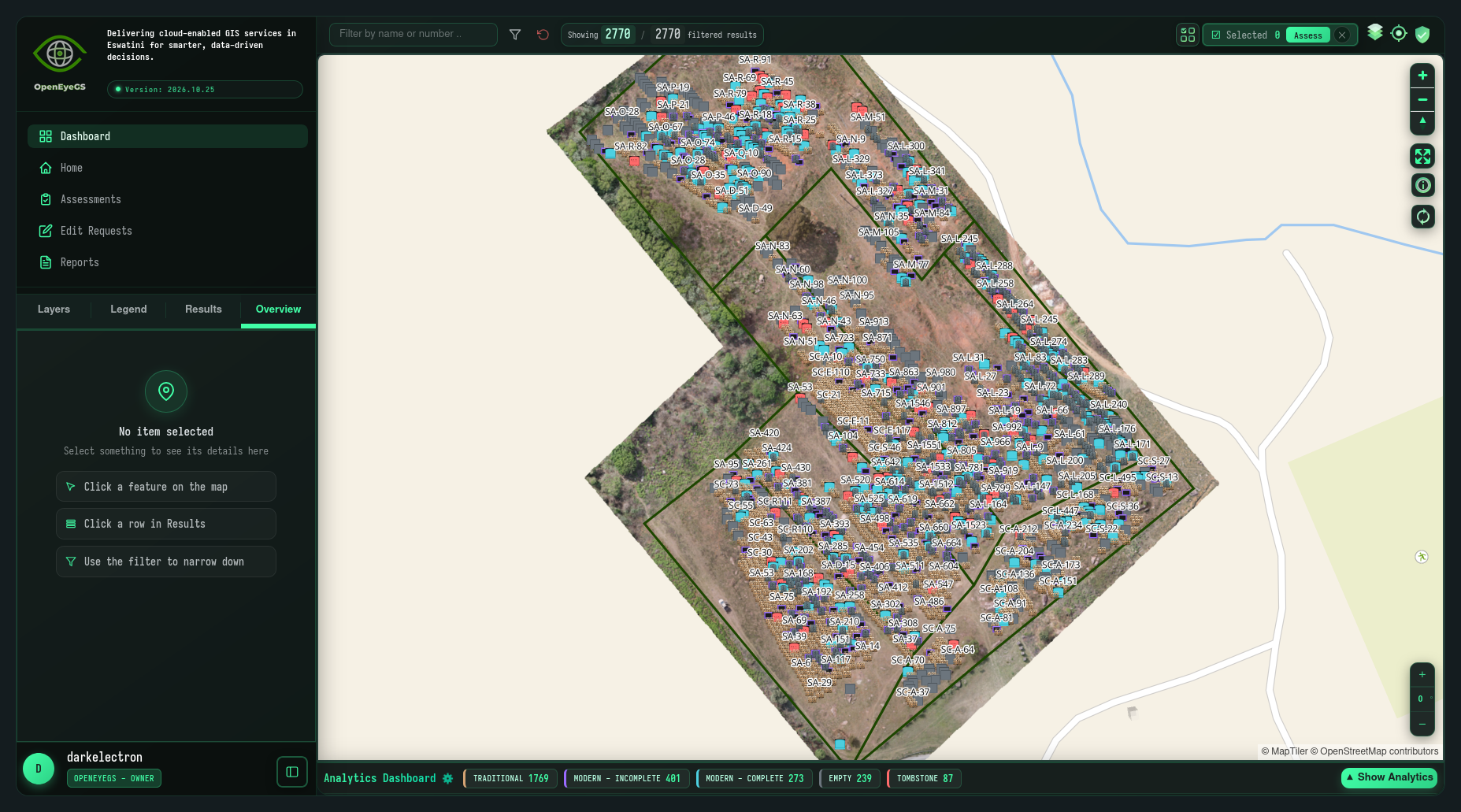
In this release:
- A single-page dashboard with views that change in place, no full-page reloads
- Editing and assessments take place directly on the map
- Insights into your data, from summaries to spatial analysis
- Basemap switching with previews
- Two-factor authentication for added account security
Major Updates
1. A New Interface
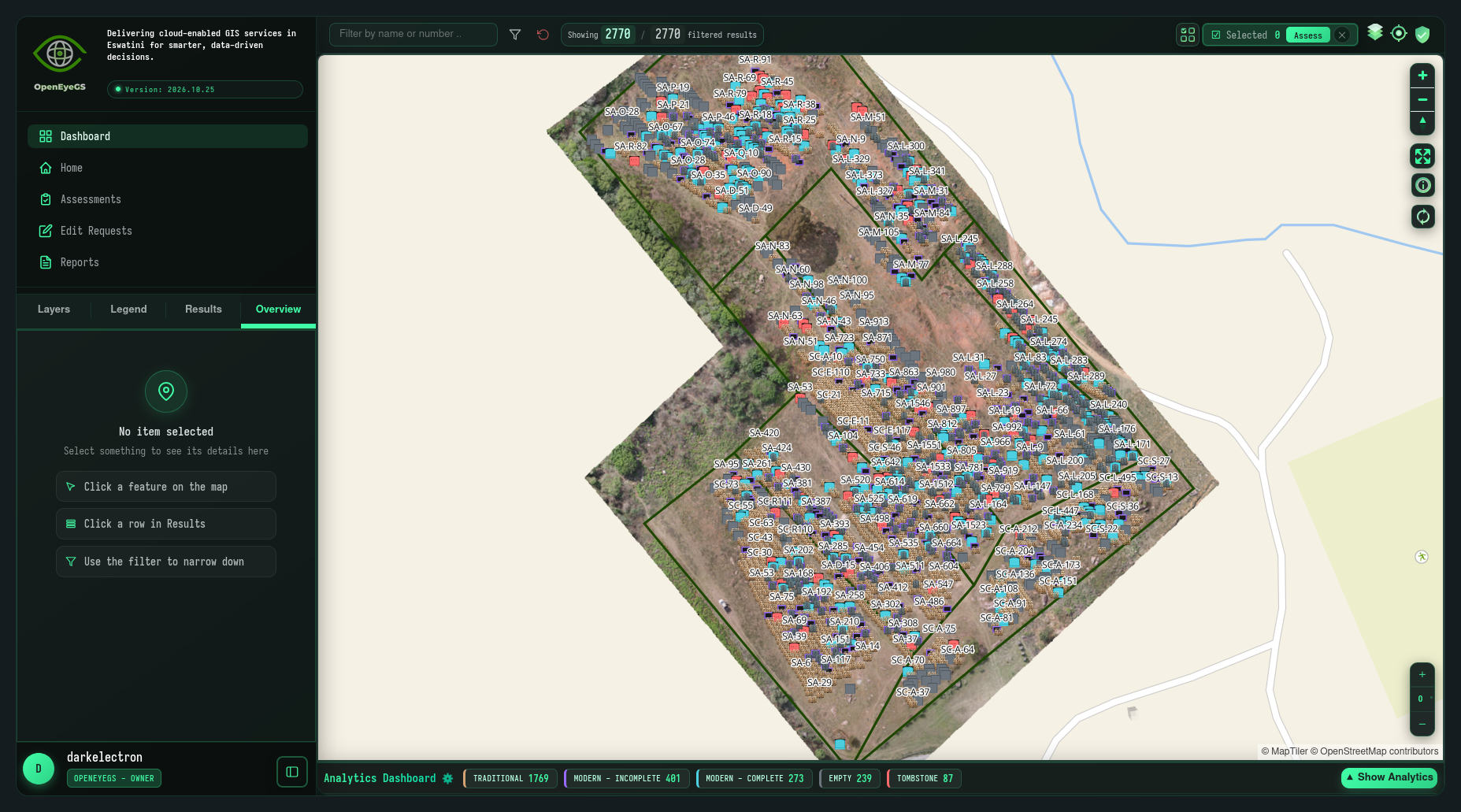
The dashboard has been converted to a single-page application. Views change in place without a full page reload, so filters, selections and your position in the data remains intact.
- Home view: Shows the projects you have access to, as before
- Map: The map occupies most of the screen; search and filter controls now sit in the top bar
- Overview: Lives in the sidebar as an Overview tab, and when the sidebar is collapsed, it appears as a flyout beside the map
2. Editing on the Map
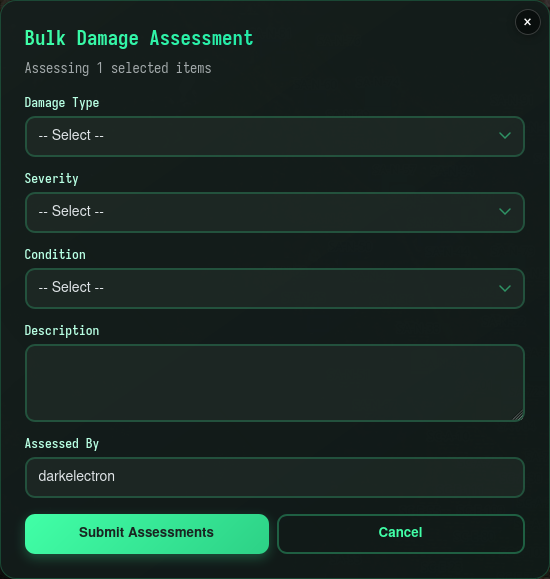
Editing and assessments now take place on the map. No exporting or re-importing is required.
- Editing: Attributes are corrected in place
- Assessments: Damage and condition details are recorded against the feature under inspection
- Bulk assessment: The separate bulk and selection controls are now one button, so multiple features can be assessed at once
3. Analytics Dashboard
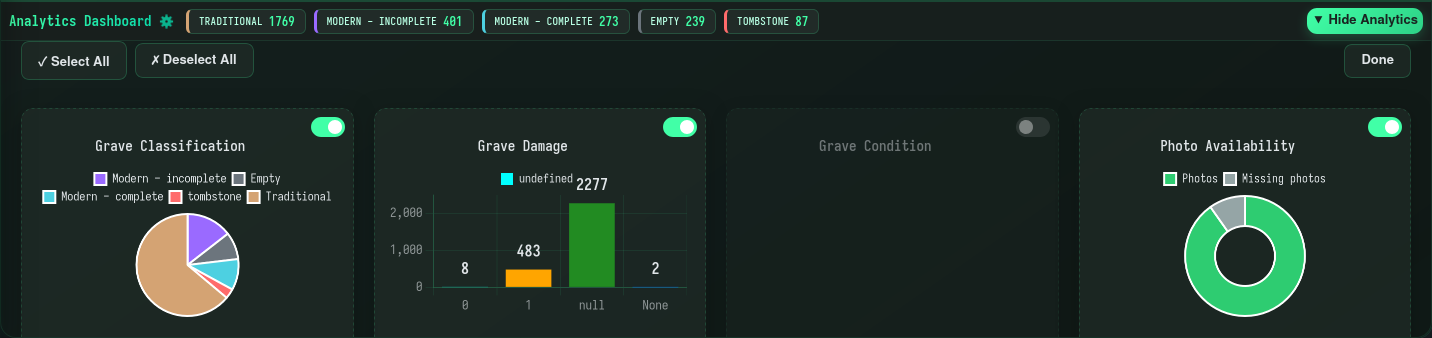
The analytics view has been redesigned as a self-contained dashboard, and the separate settings page has been removed.
- Summary bar: Counts and totals by asset type, shown above the charts and available while the view is collapsed

- Chart visibility: Charts that are not needed can be hidden inline, without leaving the analytics view
- Spatial insights: Clusters and areas that are statistically over-represented relative to the rest of the project are identified and flagged

- Plain language: Each insight can be displayed in plain language or in statistical (technical) terms
4. Basemap Switching
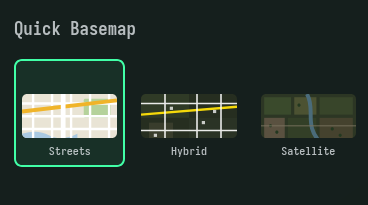
Basemap switching is available again, and all basemaps have been re-enabled. Each option includes a preview, so the selected basemap is clear before switching.
Minor Updates
- Faster loading across the app thanks to smarter caching of frequently used data and assets
- Results table is sortable by any column
- Geolocation button and map rotation control
- Phones get an honest “best on desktop” notice and a layout that no longer fights small screens
- Help moved into the user menu; the unused User Settings modal removed
- Status notifications are clearer, with colour-coded severity, a dismiss timer, and hover-to-pause
- Clearer message when an account has expired
Bug Fixes
- Fixed slow loading caused by duplicate concurrent requests
- Fixed duplicate notifications piling up when toggling layers
- Fixed notifications lingering past their timer when the data failed underneath them
- Fixed the avatar menu requiring two clicks to open, and the avatar overlapping legend items when the sidebar is collapsed
- Fixed broken icons for missing images
- Fixed errors that were hidden rather than reported
- Fixed caching issues caused by a missing import
Get Started
These changes are live now. To explore Version 2026.10.25, contact OpenEyeGS and we will arrange access: edit a feature on the map, run insights over your data, and review the results.
If anything looks off or behaves unexpectedly, reach out through the contact page. Your feedback shapes what we build next.
Kind Regards
The OpenEyeGS Team